Hiding and Unhiding Columns in Smartsheet
SSFeatures provides a simple popup for you to hide and unhide specific columns in Smartsheet.
The Problem
You cannot easily unhide individual columns in Smartsheet, especially if you don't know exactly where the hidden column is located in your sheet. You can use the "Unhide All Columns" button, but then you must manually re-hide the other columns.
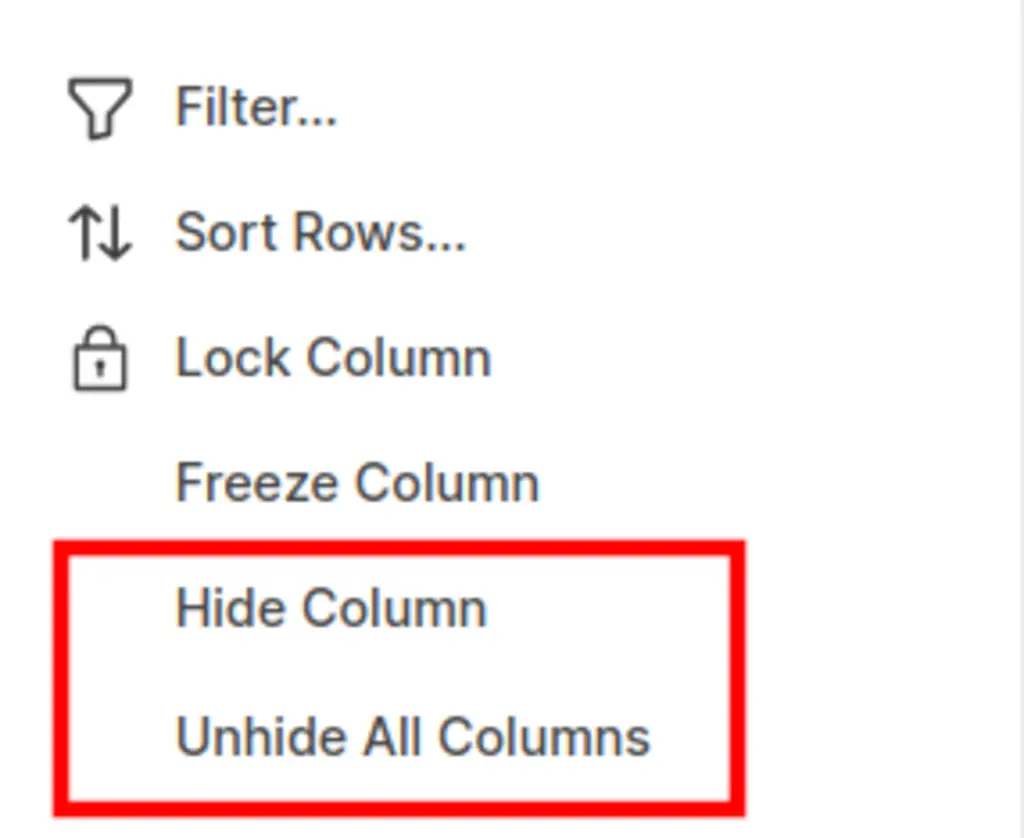
This can hurt your productivity, for example:
- When you need to edit just one hidden column, you must unhide all columns, requiring you to manually re-hide those you didn’t need.
- Tracking hidden columns is challenging since there is no way to identify them while they're hidden.
- Although you can manually drag to unhide a column, this changes its width.
The Solution with SSFeatures
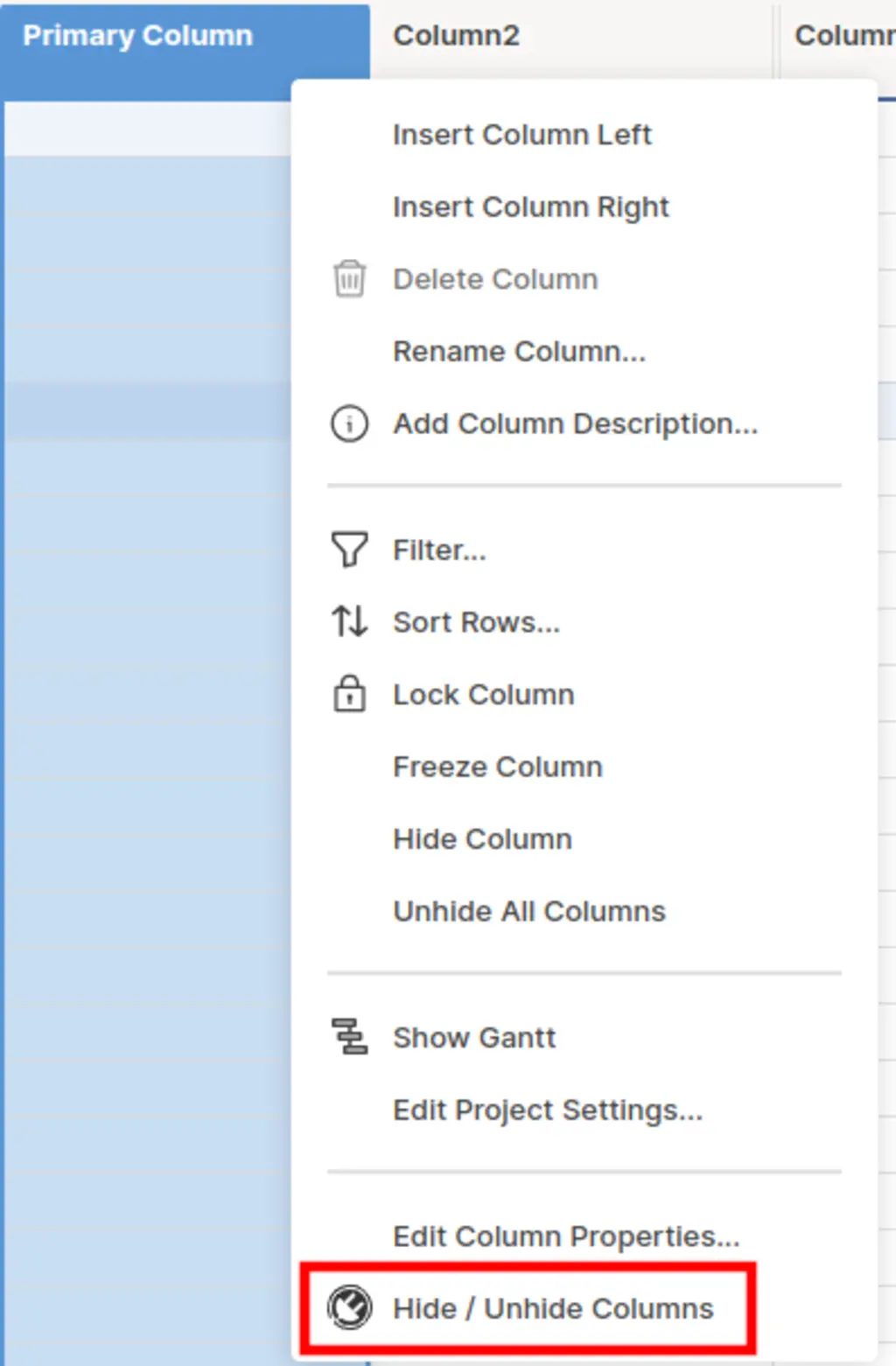
SSFeatures adds a "Hide / Unhide Columns" button in Smartsheet, opening a convenient popup to manage column visibility.
This popup shows you which columns are hidden or visible, allowing you to toggle visibility by clicking the checkbox. This is much faster than Smartsheet's "Unhide All Columns" button, especially on sheets with many columns.
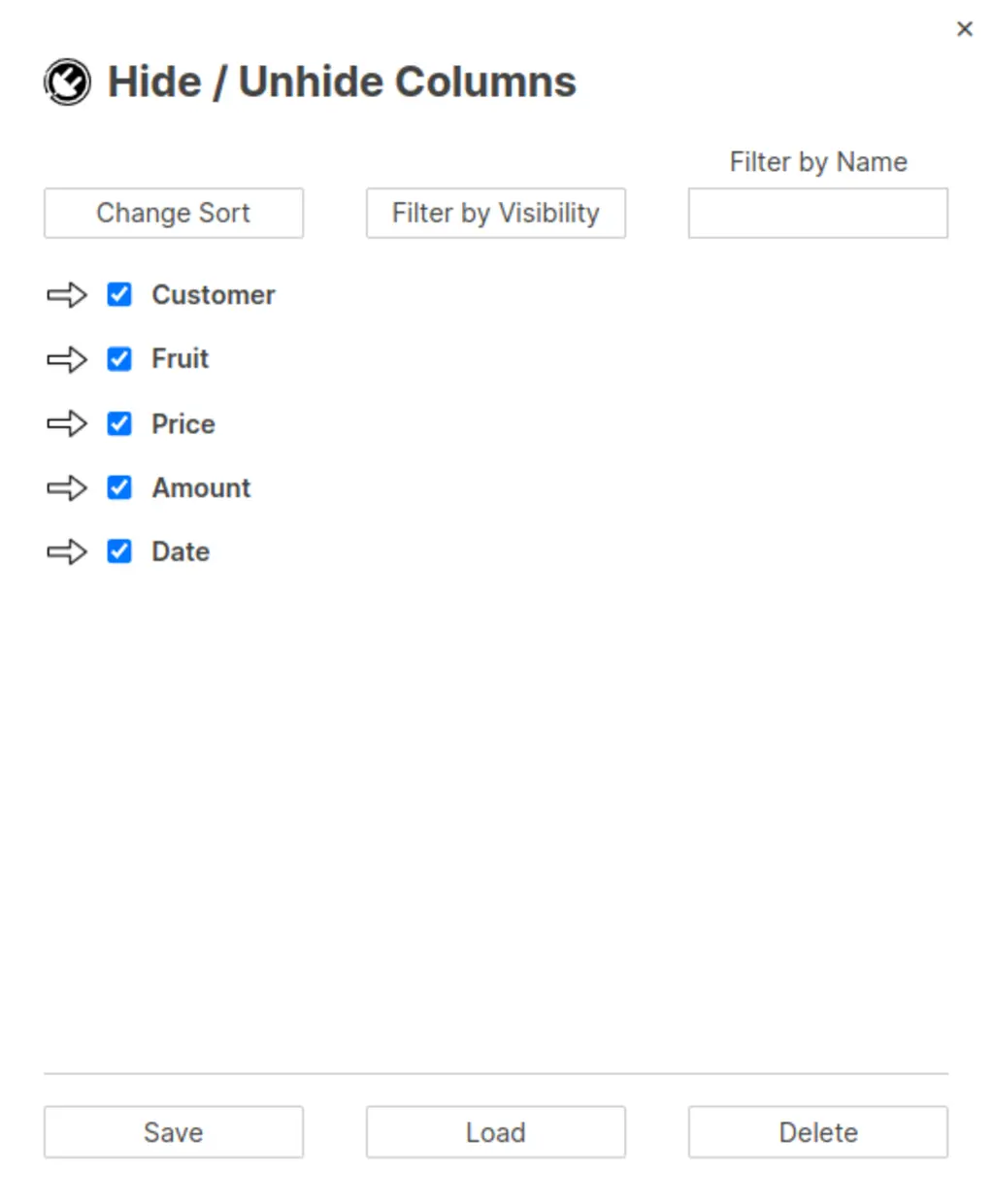
You can click the arrow button to quickly jump to a column.

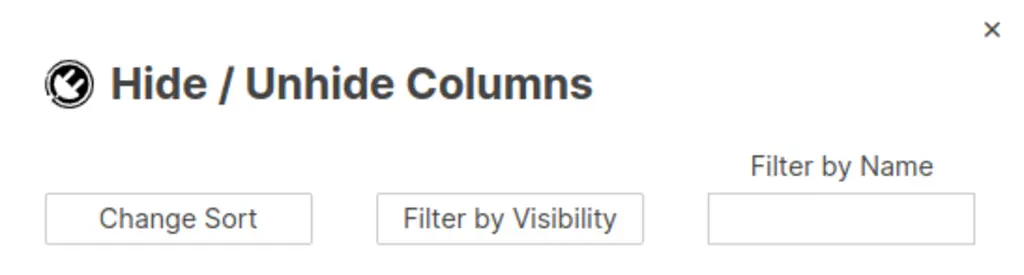
You can sort columns, display only hidden or visible ones, and filter by column name, making navigation and organization easy.
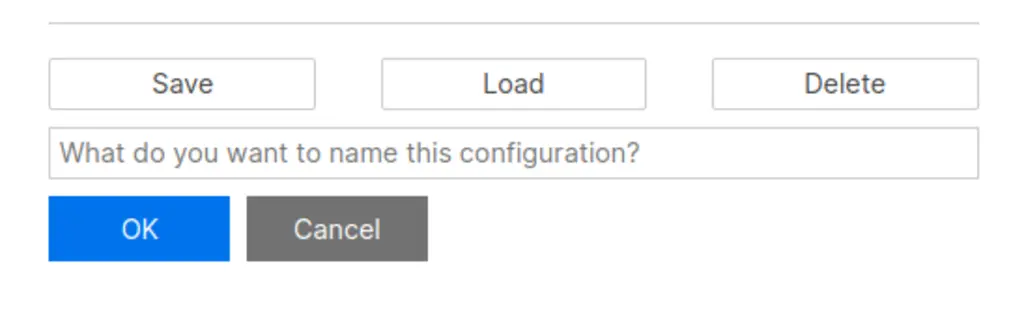
Lastly, you can save your columns as a view and load them again in the future. This is useful when you need to quickly hide and unhide groups of columns. Click Views to open your saved views, then click a name to apply it. A clock marks the view you applied last. If you show or hide a column after that, SSFeatures marks the view Changed, and the arrow beside it puts the view back. Click the pencil beside a view to rename it, or the trash icon to delete it.
When you save a view, check Keep column order to save the order of your columns too. Applying the view then moves the columns back into that order, with any columns the view does not know about after them.
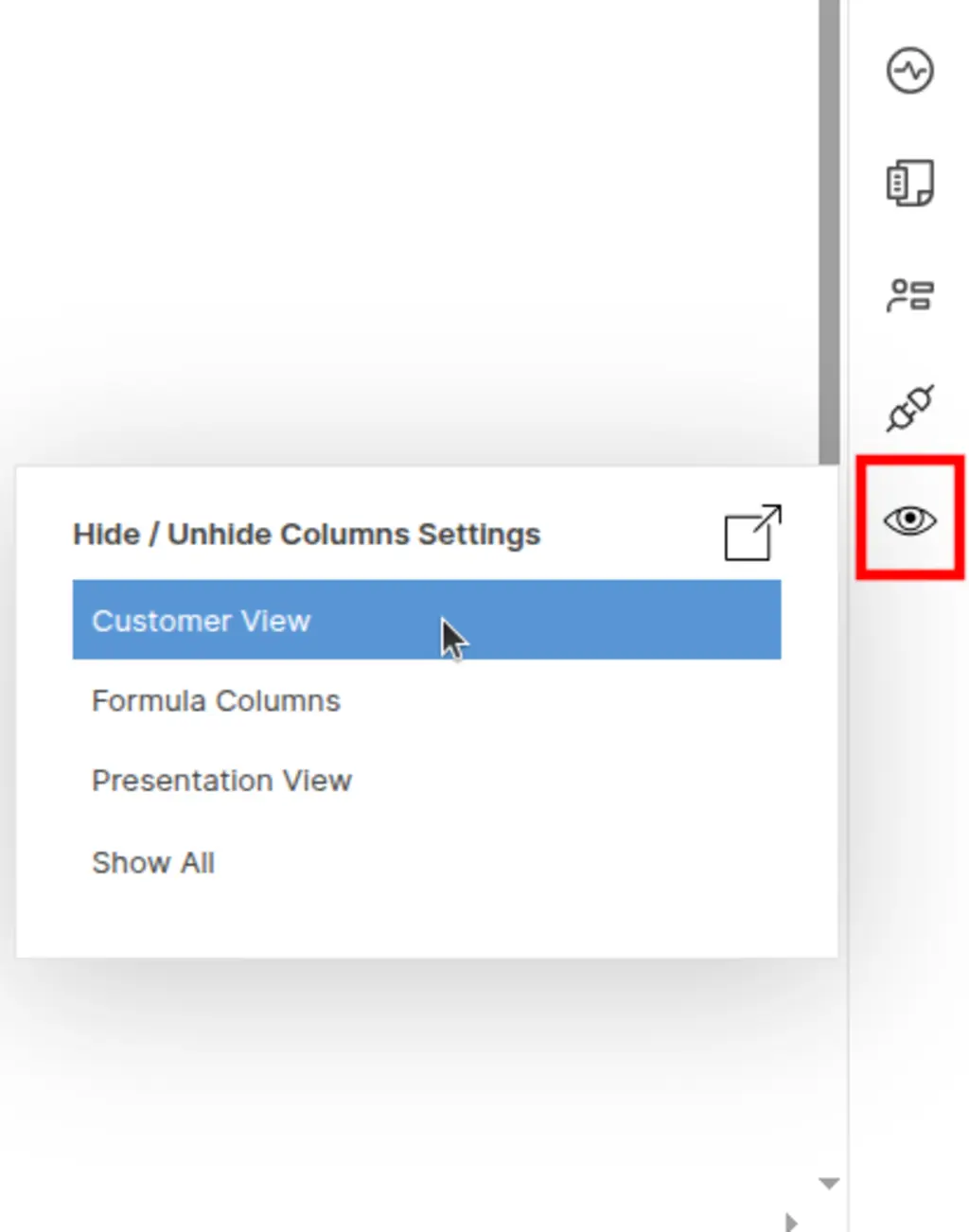
You can also quickly load this view again in the future by clicking this button on the right hand side of your sheet.
Copy Views to Other Sheets
You can copy your saved views from one sheet and paste them into another.
- Click the Copy button at the top of your views.
- Check the views you want, and click Copy.
- Open another sheet and open Hide / Unhide Columns.
- Click the Paste button, and then Paste.
SSFeatures matches each column by its name on the new sheet, even if the capital letters differ. Before you paste, it shows which columns the new sheet is missing. If a view with the same name is already on the sheet, you choose whether to keep it or replace it.
Copying views between sheets is part of the SSFeatures Pro plan. A copy stays ready to paste for 4 hours.
Demo Video
Frequently Asked Questions
Can I share my column views with my teammates?
- No, due to privacy and security concerns, we do not upload any of your views, column names, or any data to our servers. SSFeatures saves all of your data locally within your browser storage, which means that we do not have access to any of your data, and cannot share your views with your teammates.
Can I use my column views on my other sheets?
- Yes. Copy them on one sheet and paste them on another, as shown above. The copy stays in your own browser, like the views themselves.
Can you tell me more about the security and privacy of this feature?
- Absolutely. SSFeatures never sends any of your data outside your browser. SSFeatures directly calls Smartsheet's native code to manage hiding and unhiding columns. This is one of the key advantages of SSFeatures as a browser extension. SSFeatures optimizes privacy and security by leveraging Smartsheet's code, all while keeping your data entirely within your browser.
Solutions
Learn how Hide / Unhide Columns relates to Smartsheet as a whole in the solutions hub.